CVE-2026-119977: WordPress core updater RCE hits 4.7 through 7.1.3
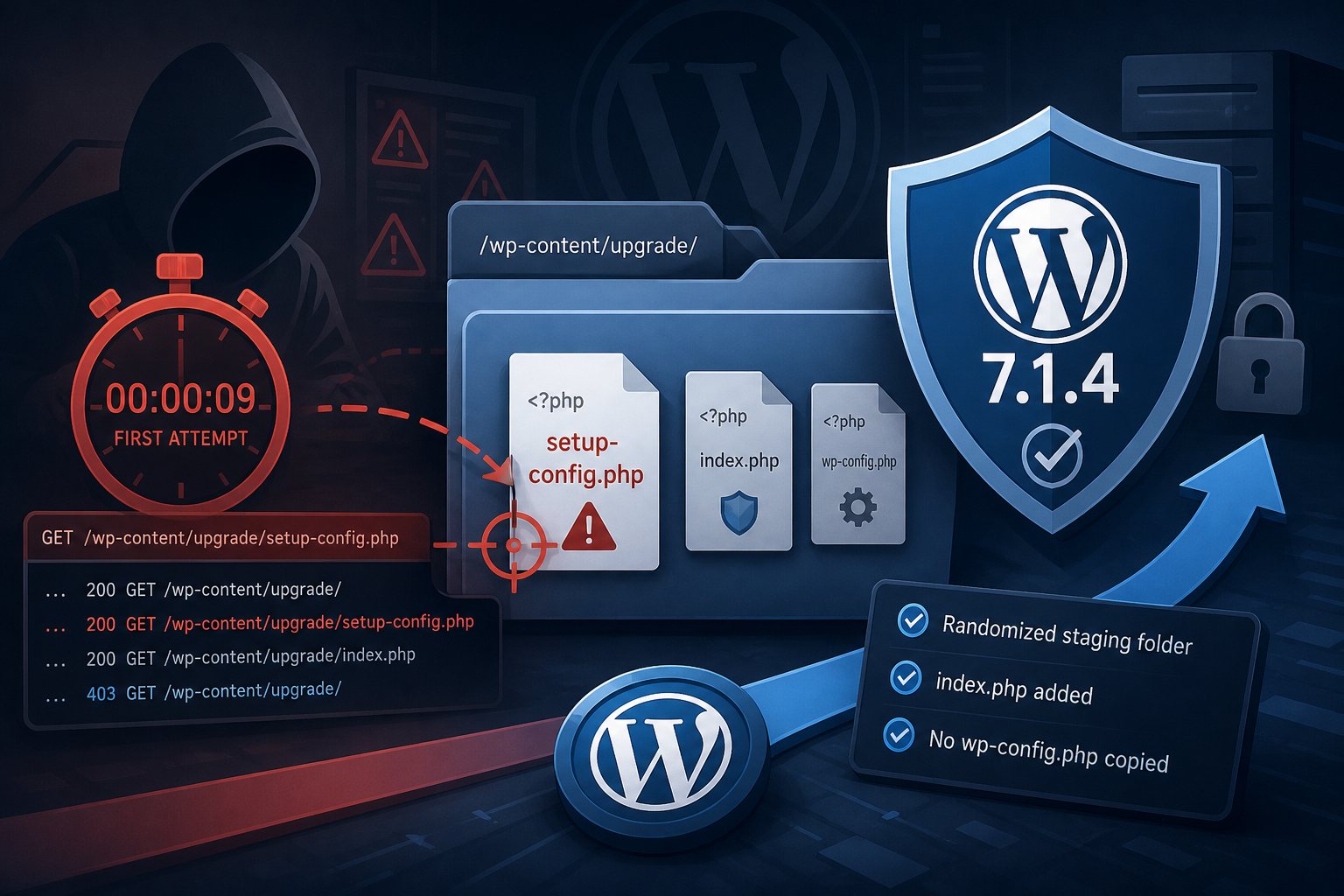
WordPress 7.1.4, released October 28, 2026, fixes an unauthenticated remote code execution bug in the core updater. The flaw is tracked as CVE-2026-119977 and rated CVSS 8.1 by Wordfence, which assigned the CVE on October 31. Every WordPress release from 4.7 through 7.1.3 is affected. Wordfence logged its first exploit attempt nine minutes after it shipped a firewall rule on release day.
Affected and fixed versions
The bug exists in every branch from 4.7 onward, and the WordPress security team shipped a fixed build for each one:
- 7.1 branch: 7.1.4
- 7.0 branch: 7.0.8
- 6.9 branch: 6.9.11; 6.8 branch: 6.8.12
- Older branches back to 4.7 each have a point release (6.7.11, 6.6.11, 6.5.14, 6.0.18, 5.9.20, 4.9.35, 4.7.39 and so on). The full table is on the WordPress.org 7.1.4 release page.
- 4.6 and earlier get no fix. Those sites stay exposed until they move to a supported release.
The same release fixes 21 other issues, mostly stored XSS that needs a Contributor account or higher. The updater bug is the only one that needs no login.
How the updater race works
During a full-package core update, WordPress downloads the new release and unpacks it into a working folder under wp-content/upgrade/ before copying files into place. Before 7.1.4 that folder name came from the package name, so an attacker could predict it. The unpacked copy includes setup-config.php, the installer script. On most servers PHP runs anywhere under the web root, so for the few seconds the staged files exist, a request to that installer executes it. An attacker who lands a request in that window can run code on the server without an account.
The timing requirement is why the score is 8.1 and not higher; NVD lists attack complexity as high. Bots work around it by polling the staging paths repeatedly and waiting for an update to start. The weakness class is CWE-367, a time-of-check to time-of-use race.
The fix randomizes the staging folder name, writes an index.php into it, and stops copying a wp-config.php from the working folder into the site root. Umut Bayram reported the bug.
Exploit attempts started on release day
Wordfence deployed a firewall rule for the staging paths at 20:30 UTC on October 28 and saw the first matching request nine minutes later. In the first 21 hours it counted more than 18,500 requests aimed at staged installer paths. Wordfence calls these exploitation attempts. No confirmed compromise had been published as of November 1, but the volume says automated scanners already have the paths.
Block the staging folder before you update
The vulnerable window is the update itself. A site on 7.1.3 opens the hole for a few seconds while it installs 7.1.4. Block web access to wp-content/upgrade/ first, then update.
On nginx, add this to the server block and reload:
location ^~ /wp-content/upgrade/ {
    deny all;
}
On Apache, put the rule in the vhost config or in the site's root .htaccess above the WordPress block. Don't rely on an .htaccess file inside wp-content/upgrade/: the updater empties that folder before it unpacks a package, and your file goes with it.
RewriteEngine On
RewriteRule ^wp-content/upgrade/ - [F,L]
Test with curl -I https://example.com/wp-content/upgrade/ and look for a 403. Core updates keep working with the block in place, because WordPress reads and writes that folder through the filesystem, not over HTTP.
Updating from the dashboard or WP-CLI
In the admin, go to Dashboard > Updates. With WP-CLI, --minor keeps you on your current branch; leave it off to jump to 7.1.4:
wp core update --minor
wp core verify-checksums
wp core version
Sites with automatic background updates for minor releases (on by default since 3.7) should already have their branch's fixed build. Check the version anyway. Plenty of site owners, plugins and hosting setups turn background updates off.
Signs a site was hit
- Requests for PHP files under
/wp-content/upgrade/in the access log, especially a 200 response onsetup-config.php:grep -E 'wp-content/upgrade/.*\.php' access.log | grep ' 200 ' - Administrator accounts nobody recognizes.
wp user list --role=administratorlists them. - Plugins or PHP files nobody installed.
wp core verify-checksumsflags changed core files, andwp plugin verify-checksums --alldoes the same for plugins from WordPress.org. - A
wp-config.phpthat differs from your last backup.
If any of these turn up, treat the site as compromised. Restore from a backup taken before the first suspicious request, update, then rotate the database password, every admin password and the salts in wp-config.php.
We are blocking these exploit attempts on Falcon Internet servers while customers upgrade. The block buys time. The patched release is the fix.