
Exchange Online outage passes 21 hours; Microsoft holds mail for 48h
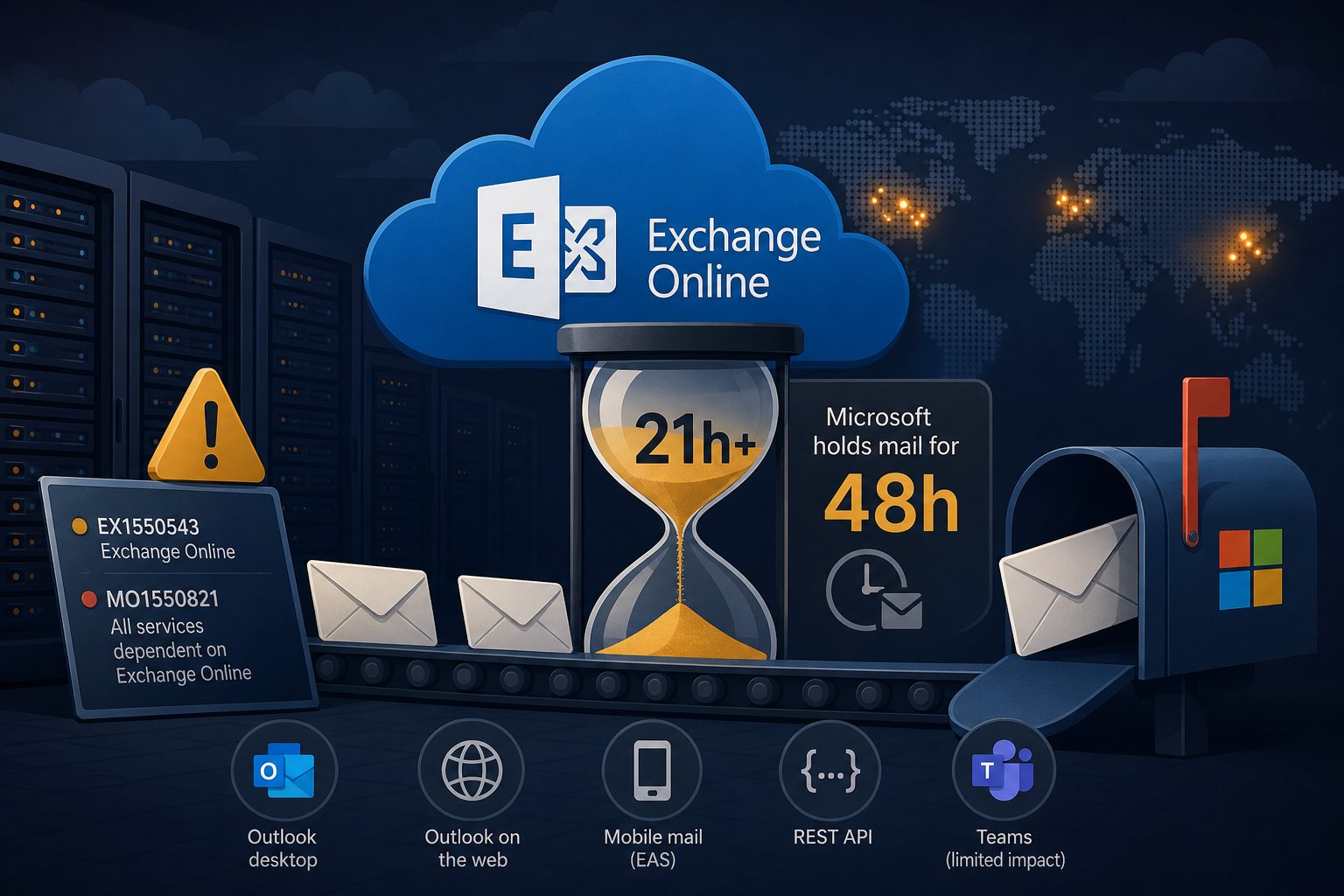
Microsoft's Exchange Online service has been degraded since 16:17 UTC (11:17 a.m. Eastern) on Thursday, November 12, 2026. As of 13:32 UTC on Friday, November 13, Microsoft reported continued recovery in North America, Europe and Asia Pacific but had not declared the incident resolved, and said some users may still see intermittent access problems.
Incidents EX1550543 and MO1550821
Microsoft opened EX1550543 for Exchange Online mailbox access. Its first notice said users in the Americas could not reach mailboxes through multiple connection methods; within about two hours that was widened to tenants in any region. At 18:26 UTC Microsoft opened MO1550821 to cover every service that depends on Exchange Online. A separate Teams incident, TM1550488, ran from 14:45 to 15:53 UTC the same afternoon and was attributed to resource contention.
Outlook on the web, desktop Outlook, mobile mail over Exchange ActiveSync and the REST API all failed. MO1550821 lists Teams calendar functions, SharePoint Online external sharing, Microsoft 365 Copilot, Defender for Office 365, Purview, Planner, Intune and Graph mail calls among the dependent services. Teams calls, meetings and chats were largely unaffected. SecurityWeek reported that some Google Workspace users who read their mail through Outlook desktop and mobile clients also had trouble.
Microsoft's account of the failure so far
According to Microsoft's status updates, a large number of servers became unexpectedly unavailable, pushing their work onto the remaining servers. Microsoft said overall traffic had not increased. A process on each server that establishes secure connections became overwhelmed, and those servers stopped handling requests and failed automated health checks. Servers that engineers restarted and returned to service could fail again once they took traffic.
Microsoft paused all deployments and configuration changes around 19:06 UTC on Thursday. Overnight it began reverting a recent network configuration change that coincided with the start of impact, though earlier updates had said no recent change correlated with the outage. Microsoft has not named a root cause and has promised a post-incident report after mitigation. Its status page says there is no evidence of malicious activity.
Delayed mail and the 48-hour timeout
On Friday morning Microsoft said it had extended its email timeout window to 48 hours so delayed messages would not be returned to senders while capacity recovers. No reporting so far indicates lost mail. Expect late delivery, with backlog processing continuing into the weekend.
Contact forms and website mail sent to Microsoft 365 mailboxes
Many business websites send form notifications and order receipts to Microsoft 365 mailboxes, or relay through Microsoft's SMTP or Graph endpoints. What happened to those messages depends on the sending path.
- A site that hands mail to a local MTA keeps retrying after temporary failures. Postfix holds deferred mail for 5 days by default (
maximal_queue_lifetime), and the default Exim retry rule gives up after 4 days. That mail should arrive once Exchange Online accepts it. - A WordPress site that sends directly through Microsoft 365 with an SMTP or Graph API plugin has no queue. If the connection failed,
wp_mail()returned false and the notification is gone unless the plugin logs failed messages. - Form submissions are safe only if the form plugin also stores entries in the database. Gravity Forms does this by default; Contact Form 7 needs the Flamingo add-on.
To see what is still waiting on a Linux web server:
# Postfix: list deferred mail and the reason for each
postqueue -p

# Exim: count queued messages, then list them
exim -bpc
exim -bp
Let the retries run. Repeated manual flushes and resubmitting forms create duplicates and do not speed up a provider that is shedding load.
Steps for Microsoft 365 tenants
- Do not change MX records, reset Outlook profiles, reinstall Office or reset passwords. The fault is on Microsoft's servers, and client changes add a second problem.
- Do not loosen SPF, DKIM or DMARC to get mail moving. It will not help.
- Track progress under Service health in the Microsoft 365 admin center. If you cannot sign in, use status.cloud.microsoft or the @MSFT365Status account on X.
- Turn on Service health email notifications and send at least one to an address that is not hosted in Microsoft 365.
- Record the hours your staff lost and the incident IDs. Exchange Online carries a 99.9% monthly uptime commitment, and service credits must be claimed through Microsoft support; they are not applied automatically.
- Save the post-incident report when it is published. Service health keeps issue history for 30 days.
Exchange Online outages earlier in 2026
On January 22, a North American infrastructure fault took Microsoft 365 mail down for about 10 hours, with external mail hit hardest. On August 31, Microsoft traced an authentication and mail delivery outage (MO1465074) to core authentication configuration used inside Exchange Online; Exchange was the last service restored, on September 3.
A business that cannot take orders or answer customers for a day without email should plan for that before the next incident: a phone or SMS list for staff, a status page or website banner that does not depend on Microsoft 365, and form plugins that store every submission. On the servers we manage, website mail goes through a local queue with logging so a provider outage delays notifications instead of losing them.