LiteSpeed 6.3.7 build 9 fixes CageFS escape used in Hostinger breach
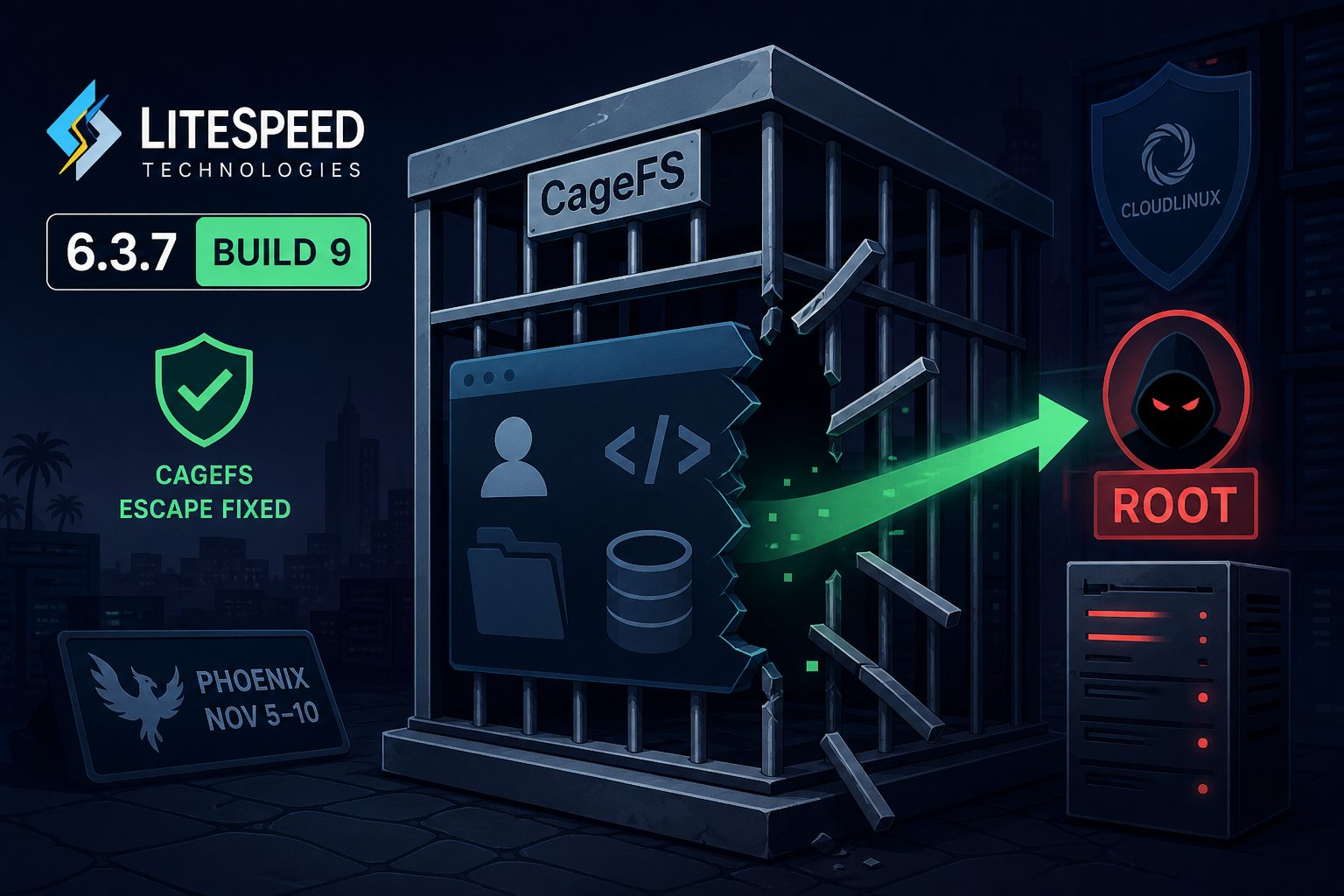
LiteSpeed Technologies released LiteSpeed Web Server Enterprise 6.3.7 build 9 on November 10, 2026, to close a flaw that let code running in one hosting account escape CloudLinux CageFS isolation and reach root. It was exploited as a zero-day. Hostinger disclosed that an attacker used it on a shared hosting server in Phoenix starting November 5, and ran code or read credentials in about 400 customer accounts before a patch existed. No CVE had been assigned as of November 14.
Hostinger's November 5 to 10 timeline
According to Hostinger's incident report, published November 9 and updated November 10, the attacker got in on November 5 through a vulnerable content management system on one customer's website. That gave them code execution as a single unprivileged account. Over roughly three days they found and used a LiteSpeed flaw that let code from that site cross the CageFS boundary between accounts, then escalated to root.
Hostinger's monitoring flagged suspicious activity on November 8. The company declared an incident at 12:26 UTC on November 9, removed the attacker's access, rotated internal credentials, and at 13:30 UTC began moving accounts to other servers and restoring affected sites from backups taken before the intrusion. Exposed data included database credentials and access tokens stored in customer accounts. Hostinger says it found no evidence that its management, backup, or login systems were compromised. LiteSpeed shipped build 9 on November 10, and Hostinger reports it was installed across its shared hosting fleet by 16:03 UTC that day. The affected machine was one of more than 5,000 servers the company operates.
Three isolation fixes under one version number
This is a different bug from the one cPanel warned about on September 14. LiteSpeed published 6.3.7 on September 11 to fix a privilege escalation that let a shared hosting tenant bypass CageFS. On September 16, Hostinger caught another zero-day on a server in its Brazil data center. That one affected versions before 6.3.7 build 2 and left a webshell in 430 accounts. Earlier in 2026, two flaws in LiteSpeed's cPanel plugin (CVE-2026-48172 and CVE-2026-54420) were added to CISA's Known Exploited Vulnerabilities catalog.
The version string has stayed at 6.3.7 through all of this. A server patched in mid-September reports the same version as one running build 9, and only build 9 closes the November hole. Panellicense, a panel license reseller that summarized LiteSpeed's November 10 advisory email, says build 8 fixed an unrelated LSQUIC HTTP/3 issue and does not cover this bug.
Servers that need build 9
LiteSpeed has not published the configurations that trigger the flaw. The Panellicense summary describes it as a problem in how LiteSpeed Enterprise handles Apache-style configuration: under some setups a site could read files outside its document root or run scripts without suEXEC, and on CloudLinux that becomes a CageFS escape. The most exposed machines are shared hosting servers running cPanel, Plesk or DirectAdmin with LiteSpeed Enterprise, suEXEC and CageFS.
A VPS or dedicated server hosting one business carries less risk, because the attacker first needs code execution in an account on the same machine. An outdated WordPress plugin on that box provides it. The 6.4.0 release candidate line got the same fix in RC2 build 7. We found no statement on whether OpenLiteSpeed is affected.
Checking the build and updating
LiteSpeed's update server lists the current stable release as 6.3.7 BUILD 9. On the server, check both the version and the build file:
/usr/local/lsws/bin/lshttpd -v
cat /usr/local/lsws/BUILD
If BUILD shows anything below 9, force the update and restart:
/usr/local/lsws/admin/misc/lsup.sh -f -v 6.3.7
/usr/local/lsws/bin/lswsctrl restart
cat /usr/local/lsws/BUILD
If it still reads 8, the package may not have reached your mirror yet, so run the update again later. Forcing a version takes the server off the stable auto-update track. To put it back, run touch /usr/local/lsws/autoupdate/follow_stable.
Build 9 enforces stricter HTTP authentication. After the restart, test anything protected by .htpasswd, including staging sites and admin directories.
Compromise checks on cPanel and CloudLinux servers
The Phoenix attacker spent three days on the server before anyone noticed, so a patched server may already have been compromised. On any shared server that ran a build below 9:
- Confirm CageFS is enabled for every user.
cagefsctl --list-disabledshould list only accounts you excluded on purpose. - Review root and per-user crontabs (
crontab -las root, and the files in/var/spool/cron/) for entries nobody on staff added. - Run a full malware scan of all home directories, with attention to upload and cache folders where webshells usually land.
- Look for recently modified root-owned files in locations tenants cannot write to, and for processes owned by one user running out of another user's home directory.
- If anything turns up, rotate server credentials and every database password and API token stored in hosted accounts. Those were the items read on Hostinger's server.
Steps for shared hosting customers
Customers on shared LiteSpeed hosting cannot apply this patch themselves. Ask the host which LiteSpeed build your server runs and when build 9 went on. A reply of "6.3.7" with no build number does not answer the question. Hostinger emailed the affected Phoenix customers directly.
If your site sat on a shared server that ran a vulnerable build, change the database password in wp-config.php or your application's equivalent file, regenerate API keys stored in the account (payment gateways, SMTP relays, cloud storage), and reset CMS administrator passwords. The Phoenix intrusion started with an unpatched CMS on someone else's site, which means every tenant's update habits affect every other tenant on that server.